
BeeTV on iPhone 2026: Installation Guide, Compatibility & Alternatives
BeeTV on iPhone is a common topic among users who want to understand whether this Android-based streaming application can work on Apple devices. Since iPhones use a different operating system, users need to understand iOS compatibility, available options, and safer alternatives before trying any installation method.
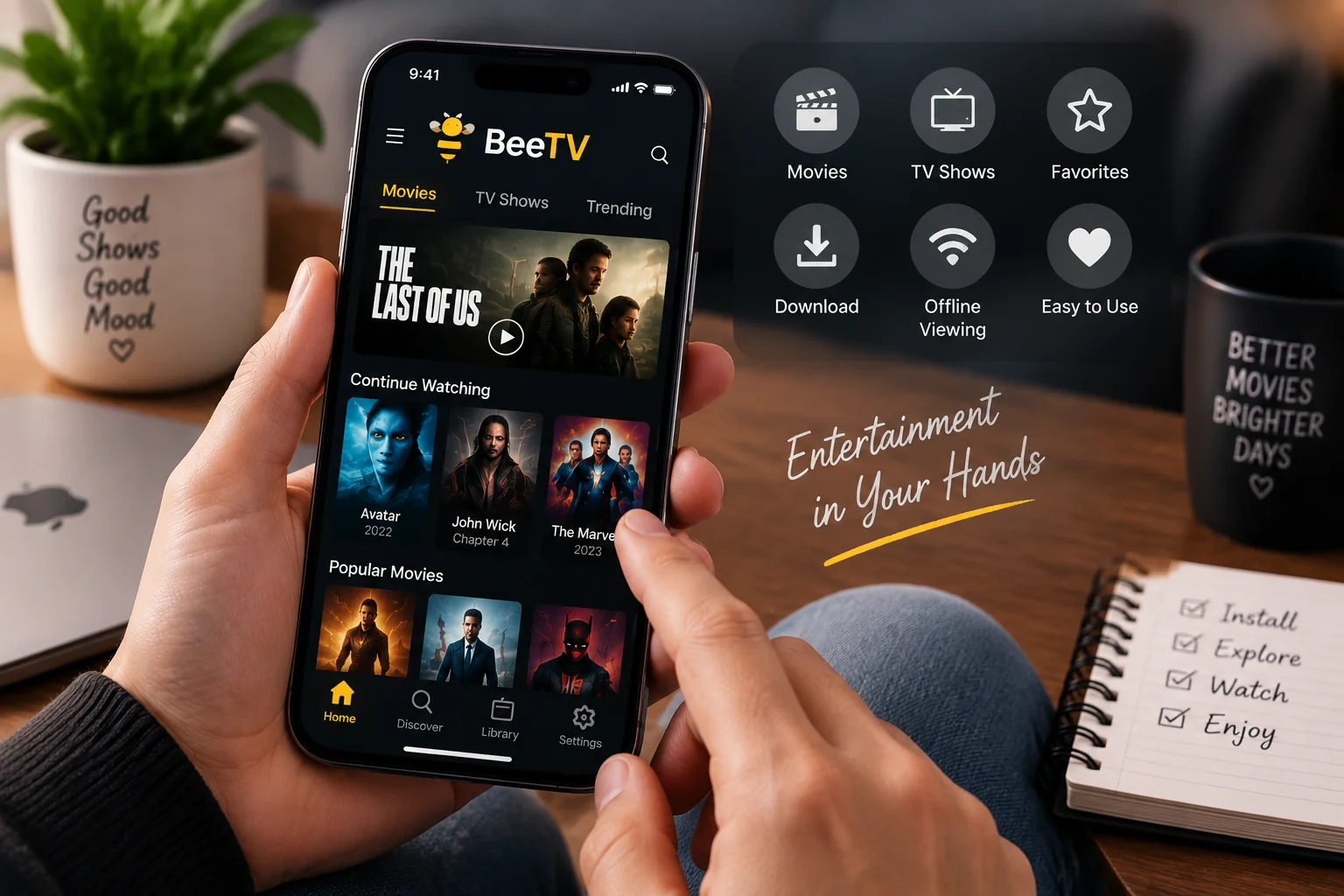
Watching movies and TV shows on a phone is convenient, especially when traveling or relaxing away from your television. This guide explains what is possible, what beginners should avoid, and which options are available for users who want a similar entertainment experience on iPhone.
- What Is BeeTV on iPhone?
- Can You Get BeeTV on iPhone?
- Why Android Apps Do Not Work on iOS
- Check the App Store First
- Installing Apps Outside the App Store
- How to Use BeeTV on iPhone Safely
- Be Careful With Configuration Profiles
- Do You Need to Jailbreak Your iPhone?
- Better Options for iPhone Users
- Tips Before Installing Any Streaming App
- What If You Downloaded an APK?
- Frequently Asked Questions
- Final Thoughts
- BeeTV Related Guides
What Is BeeTV on iPhone?
BeeTV on iPhone refers to users looking for ways to access BeeTV features on Apple devices. However, it is important to understand that BeeTV is mainly associated with Android-based applications.
iPhones use the iOS operating system, which works differently from Android. Because of this difference, Android installation methods cannot simply be transferred to Apple devices.
Before trying any installation method, users should understand:
- Device compatibility
- App format differences
- Official availability
- Safe installation practices
Can You Get BeeTV on iPhone?
There is no standard BeeTV application that users can simply search for and install from the Apple App Store.
Many beginners become confused when they find websites offering APK files and assume these files will work on an iPhone.
They will not.
APK is an Android application format. iPhones use iOS applications that are distributed through Apple-supported methods.
If you are searching for BeeTV on iPhone, the first step is understanding that Android installation methods do not apply to Apple devices.
Why Android Apps Do Not Work on iOS
Android and iOS are two different operating systems.
Android applications are designed for Google’s mobile ecosystem, while iPhone applications must follow Apple’s platform requirements.
An APK file contains Android-specific installation information. iOS cannot install these files as normal applications.
This is why downloading an Android version and moving it to an iPhone will not create a working app.
The difference is similar to trying to use software designed for one operating system on another without proper support.
Check the App Store First
For iPhone users, the Apple App Store should always be the first place to check when looking for an application.
Before installing any app:
- Check the developer name
- Review app information
- Read user feedback
- Confirm the application source
If you cannot find an official version, do not assume that similarly named apps are the same service.
Some websites may use familiar names to attract users, so checking the source is important.
Installing Apps Outside the App Store
Apple supports alternative app distribution methods in certain regions and situations.
However, this does not mean every application found online can be installed on an iPhone.
Availability depends on:
- Your country or region
- Apple Account settings
- Developer distribution options
- Supported installation methods
A random download button on a website does not guarantee that an application is safe or compatible.
For beginners, the safest approach is checking whether the developer provides a genuine iOS-compatible version through an approved method.
How to Use BeeTV on iPhone Safely
If you are searching for BeeTV iPhone options, avoid downloading files simply because a website claims they are designed for iOS.
Before installing any application:
- Verify the source
- Check whether it supports iOS
- Avoid unknown configuration files
- Do not enter account details on suspicious websites
If an official compatible version is unavailable, consider using established streaming alternatives designed specifically for iPhone.
Be Careful With Configuration Profiles
Some websites may ask users to install profiles or change device settings before accessing an application.
Be careful with these requests.
Configuration profiles can modify certain iPhone settings. A trustworthy service should clearly explain:
- Why the profile is needed
- Who provides it
- What permissions it requires
Avoid websites that:
- Redirect repeatedly
- Ask for unusual permissions
- Request sensitive information
- Provide unclear instructions
Do You Need to Jailbreak Your iPhone?
Jailbreaking removes some restrictions built into iOS.
Although some users explore jailbreaking for additional customization, it is generally not a beginner-friendly solution for installing entertainment applications.
Potential issues may include:
- Security concerns
- Stability problems
- Update limitations
Using applications designed specifically for iPhone is usually a simpler approach.
Better Options for iPhone Users
Not being able to use the same Android application does not mean iPhone users have limited entertainment choices.
The App Store includes many streaming applications designed for Apple devices.
Depending on your location and preferences, options may include:
- Movie streaming apps
- TV show platforms
- Free ad-supported services
- Subscription-based entertainment apps
Official iPhone applications usually provide:
- Easier installation
- Regular updates
- Better compatibility
- More predictable performance
Tips Before Installing Any Streaming App
Before installing any streaming application on your iPhone, follow these basic checks:
- Check the developer information
- Read privacy details and reviews
- Avoid websites asking you to disable security features
- Do not install unknown files or profiles
- Keep iOS updated
Most importantly, never enter your Apple Account password on an unfamiliar website that promises access to an application.
What If You Downloaded an APK?
If you downloaded an APK file while searching for BeeTV on iPhone, there is no need to keep trying to open it.
APK files are designed for Android devices and will not work as normal iPhone applications.
You can delete the unused file and look for an iOS-compatible option instead.
If you want to use BeeTV on an Android device, check our BeeTV APK Download Guide for Android installation information.
Frequently Asked Questions
Is there an official BeeTV iPhone version?
Users should check official sources and the Apple App Store for current availability. An Android APK should not be considered an iOS application.
Can I install an APK file on my iPhone?
No. APK files are designed for Android devices and cannot be installed as normal iPhone applications.
How can I use BeeTV on iPhone?
If a compatible iOS version is not available, users should avoid forcing Android installation methods on iPhone and consider suitable iOS alternatives.
Can I use a website instead of installing an app?
If a streaming service provides an official web version, it may work through a browser such as Safari. Always confirm that you are using the genuine service website.
Should I jailbreak my iPhone to install BeeTV?
For beginners, jailbreaking is not recommended as a simple solution for installing streaming apps.
Final Thoughts
BeeTV on iPhone works differently compared with Android devices because iOS does not support Android APK installation.
The biggest mistake beginners make is downloading an APK file and expecting it to work on an iPhone.
Before installing any application, check compatibility, use trusted sources, and avoid questionable files or complicated workarounds.
BeeTV Related Guides
If you want to learn more about BeeTV, these guides can help:
- BeeTV APK Download Guide — Download information, safety, and compatibility tips.
- What Is BeeTV? Complete Beginner Guide — Understand what the application is and how it works.
- BeeTV for Android — Installation and compatibility information for Android devices.
- BeeTV Not Working Troubleshooting Guide — Fix common playback and installation issues.


